




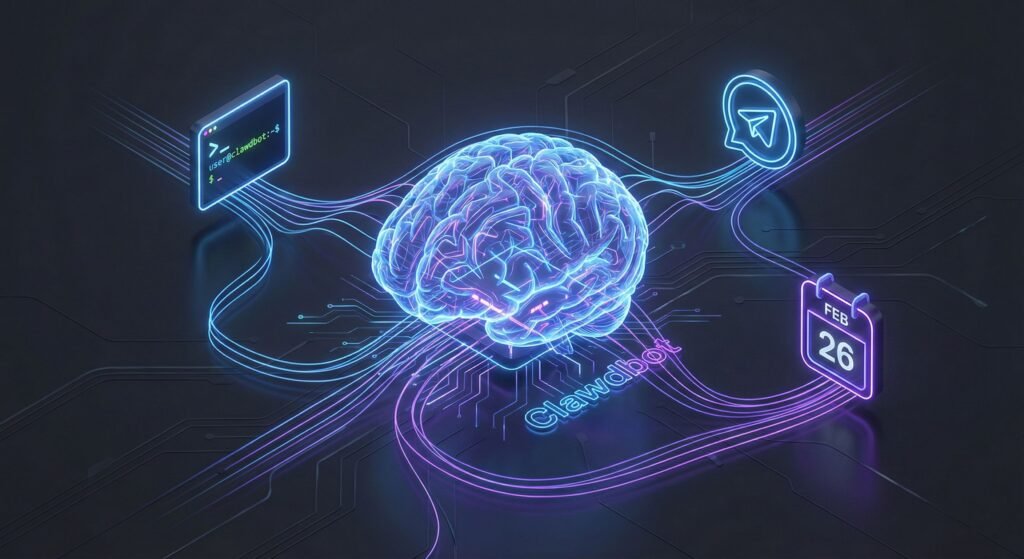
Imagine an AI that doesn’t just sit in a browser tab waiting for you to type, but actually lives on your computer and does things for you. That is the promise of Clawdbot. Exploding onto the scene in early 2026, this open-source project has captured the imagination of developers and productivity geeks alike. Unlike standard chatbots that just talk, this tool has “hands”—it can organize your files, manage your calendar, and even write code, all while you chat with it comfortably from Telegram or Discord. It’s not just a chatbot; it’s your first digital employee.
The Rise of Clawdbot: Your Personal Autonomous Agent
The artificial intelligence landscape has shifted dramatically. We spent years marveling at Large Language Models (LLMs) that could write poetry or summarize emails. But the frustration remained: the AI was trapped in a box. It couldn’t act. Enter Clawdbot (recently rebranded as Moltbot), the viral sensation created by developer Peter Steinberger that is redefining what a personal assistant can be.
What is Clawdbot? (And Why Everyone is Talking About It)
At its core, Clawdbot is a local-first AI agent. While it relies on powerful models like Anthropic’s Claude or OpenAI’s GPT-4 for its “intelligence” (via API), the actual orchestration happens on your own hardware. This is a crucial distinction.
Most AI tools act as a walled garden—you send data to their servers, and they send text back. Clawdbot flips the script. It acts as a bridge between the high-level reasoning of an LLM and the low-level execution of your operating system. It connects to your messaging platforms, meaning you can text your computer as if you were texting a friend, and it has the permissions to execute tasks based on those texts.
Beyond Chatbots: The Power of “Agency”

The magic of this tool lies in its “agency.” In AI terms, an agent is a system that can perceive its environment, reason about it, and take action to achieve a goal.
Persistent Memory and Context
One of the most annoying aspects of traditional chatbots is their amnesia. Start a new chat, and they forget everything you told them yesterday. Clawdbot solves this with a robust memory system. It remembers your preferences, your project details, and your previous conversations. If you tell it on Tuesday that you are working on a Python script, you can ask it on Friday to “check the errors in that script,” and it knows exactly what you are referring to.
Controlling Your Apps and Files
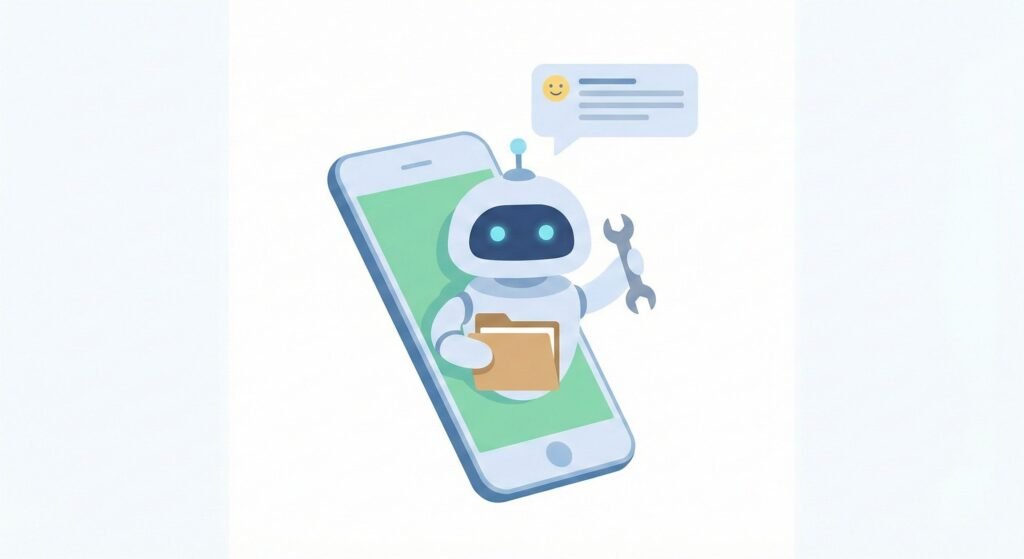
This is where the productivity gains become tangible. Because the bot runs on your machine, you can grant it “skills” or tools.
- File Management: You can ask it to “Find all PDFs in my downloads folder and move them to Documents.”
- Calendar Management: “Check my availability for next Tuesday and draft an email to John proposing a meeting.”
- Coding: It can write code, run it in a terminal, see the error, fix the code, and run it again—autonomously.
Security and Risks: The Double-Edged Sword
We cannot discuss Clawdbot without addressing the elephant in the room: security. The very features that make it powerful—shell access, file system control, and internet connectivity—make it a potential risk.
If you give an AI the ability to delete files or execute terminal commands, you are placing immense trust in the software’s guardrails. There have been discussions in the community about “prompt injection” attacks, where a malicious actor might trick the AI into doing something harmful if they gain access to your chat interface.
The developer and the community are transparent about these risks. Running Clawdbot requires a “security-first” mindset. It is not recommended to run it with root privileges on a machine that contains your sensitive banking data unless you have set up proper sandboxing (like Docker containers) or are using a dedicated machine, such as a Mac Mini or a Raspberry Pi, specifically for this purpose.
How to Get Started with Clawdbot
If you are ready to dip your toes into the world of autonomous agents, the setup is surprisingly straightforward for those with some technical know-how.
Prerequisites and Installation
You will need a machine that stays on (to act as the server), Node.js installed, and an API key from an LLM provider (like Anthropic). The installation involves cloning the repository from GitHub and running a simple setup script.
Connecting to Telegram and Discord
The beauty of Clawdbot is the interface. You don’t need a special app; you just use the chat apps you already have. During setup, you will create a bot token for Telegram or Discord. Once linked, your AI assistant appears just like any other contact in your phone. You can text it voice notes, images, or complex instructions, and it replies instantly.
Conclusion: The Future of Local AI
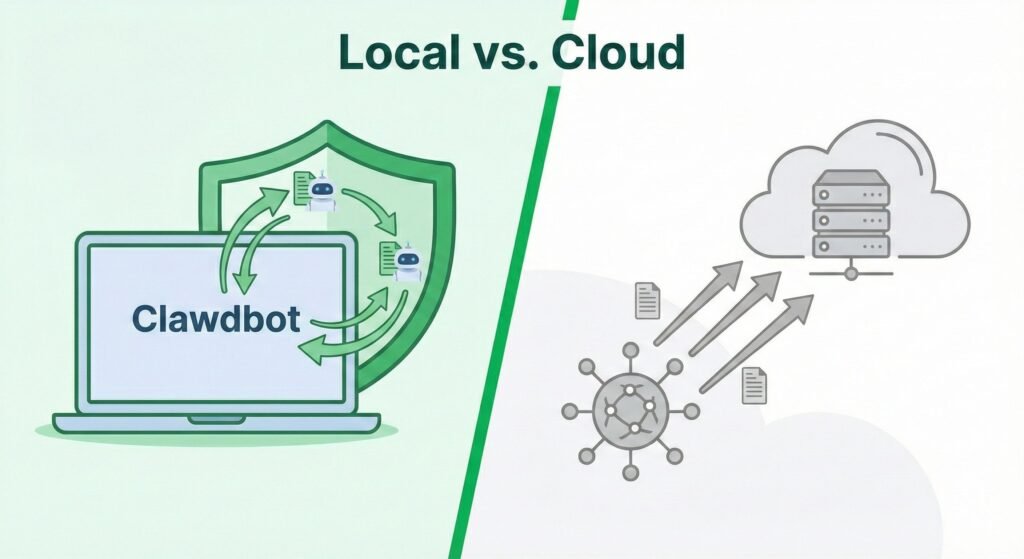
Clawdbot represents a paradigm shift. We are moving away from passive AI that we “visit” on a website, toward active AI that lives with us and works alongside us. While the technology is still in its early, “hacker-friendly” stage, the rapid adoption of this tool proves there is a massive hunger for AI that offers privacy, control, and genuine autonomy. Whether you call it Clawdbot or Moltbot, one thing is clear: the age of the personal AI agent has arrived.
Frequently Asked Questions (FAQ)
Clawdbot is an open-source, "agentic" AI that runs locally on your computer rather than in the cloud. Unlike ChatGPT, which primarily answers questions, Clawdbot can actively perform tasks like managing files, sending emails, and running commands on your device.
Because Clawdbot has extensive permissions (including shell access and file management), it carries significant security risks if not configured correctly. It is recommended for technical users who understand how to sandbox the application or run it on a dedicated machine.
Yes, while the "brain" of the bot runs on your computer or server, you interact with it through messaging apps like Telegram, WhatsApp, or Discord. This allows you to issue commands from your phone while the bot executes them on your desktop.
The project was originally called Clawdbot but was renamed to Moltbot to avoid trademark confusion with Anthropic’s "Claude" AI model. However, many in the community still colloquially refer to the project by its viral original name.